
Introduction
Writing is difficult. Generating ideas, fixing grammar, fighting writer’s block, and making your content sound professional—it takes a lot of time and effort. But things are different in 2026.
AI tools for writers have become so powerful that even a complete beginner can write like a professional. And the best part? Many of these tools are completely free.
Whether you are a blogger, a student, a content creator, or someone who writes emails for work, these AI tools will save you hours every week.
In this post, we cover the 7 best free AI tools for writers in 2026. Each tool is tested, trusted by millions of users, and — most importantly — free to use.
Let’s dive in.
1. Claude by Anthropic
Best for: Writing full articles, blog posts, and creative content
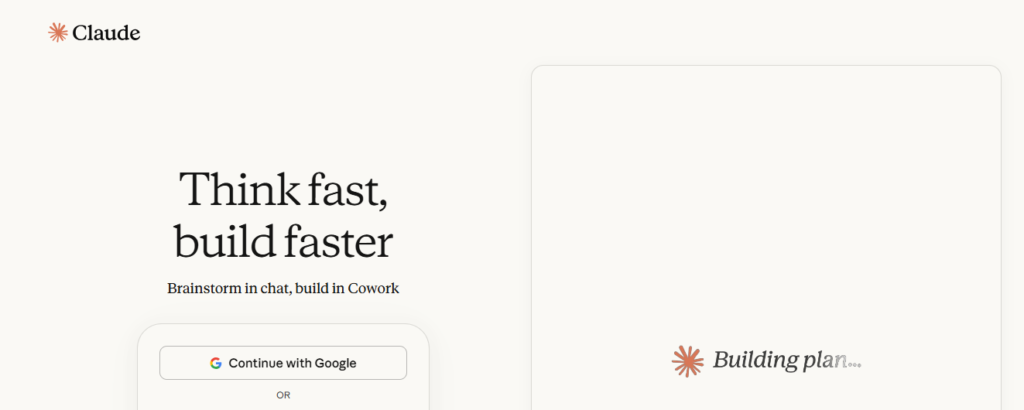
Claude is one of the most powerful AI writing assistants available today. You can ask it to write anything — blog posts, emails, stories, product descriptions, and more. It understands context very well and writes in a natural, human-like style.
What makes Claude special is its ability to follow your instructions closely. If you say “write in simple English,” it does exactly that.
Key Features
- Writes long-form content (1,000+ words) easily
- Understands complex topics and explains them simply
- Can rewrite, summarize, and improve your existing writing
- Supports multiple languages
Pros
- Free plan available
- Excellent writing quality
- Great for beginners with no writing experience
- Very natural and readable output
Cons
- The free plan has daily message limits
- Cannot browse the internet on the free plan
Free Plan: Yes ✅ | Website: claude.ai
2. ChatGPT by OpenAI
Best for: Brainstorming ideas and writing drafts quickly
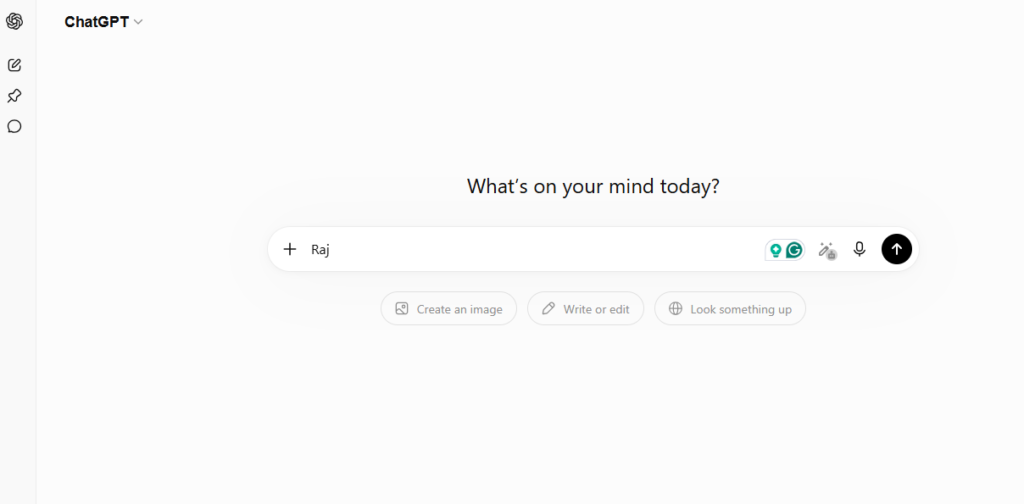
ChatGPT is probably the most famous AI writing tool in the world. It is used by over 500 million people and for good reason — it is fast, versatile, and very easy to use.
You can use it to generate blog post ideas, write first drafts, create social media captions, and even write entire articles in seconds.
Key Features
- Generates content on any topic instantly
- Helps with brainstorming and outlines
- Can write in different tones (formal, casual, funny)
- Supports file uploads on the free plan
Pros
- Extremely fast responses
- Very large knowledge base
- Easy to use for beginners
- Free forever plan available
Cons
- Can sometimes make up facts (always double-check)
- The free plan uses an older model
Free Plan: Yes ✅ | Website: chatgpt.com
3. Grammarly
Best for: fixing grammar and spelling, and improving clarity
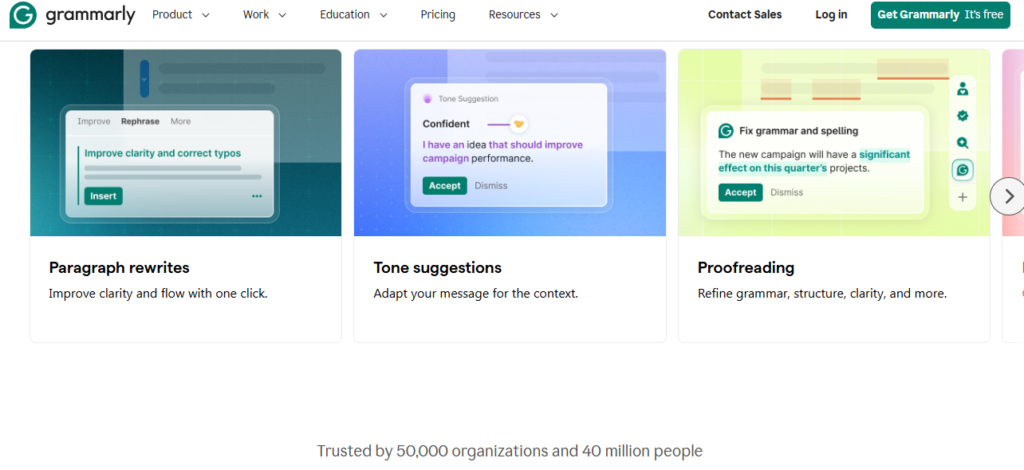
Grammarly is the world’s most popular writing assistant. It works as a browser extension and automatically checks everything you type — emails, blog posts, social media comments, and more.
Even if AI writes your content, Grammarly makes sure it reads perfectly. It catches grammar mistakes, awkward sentences, and unclear writing in real time.
Key Features
- Real-time grammar and spelling correction
- Suggests clearer, more professional wording
- Works in Gmail, Google Docs, WordPress, and 500+ apps
- A tone detector tells you how your writing sounds
Pros
- Works automatically in the background
- Saves huge amounts of editing time
- Perfect for non-native English writers
- The browser extension is 100% free
Cons
- Advanced suggestions (plagiarism check, full rewrites) need a paid plan
- Sometimes suggests unnecessary changes
Free Plan: Yes ✅ | Website: grammarly.com
4. QuillBot
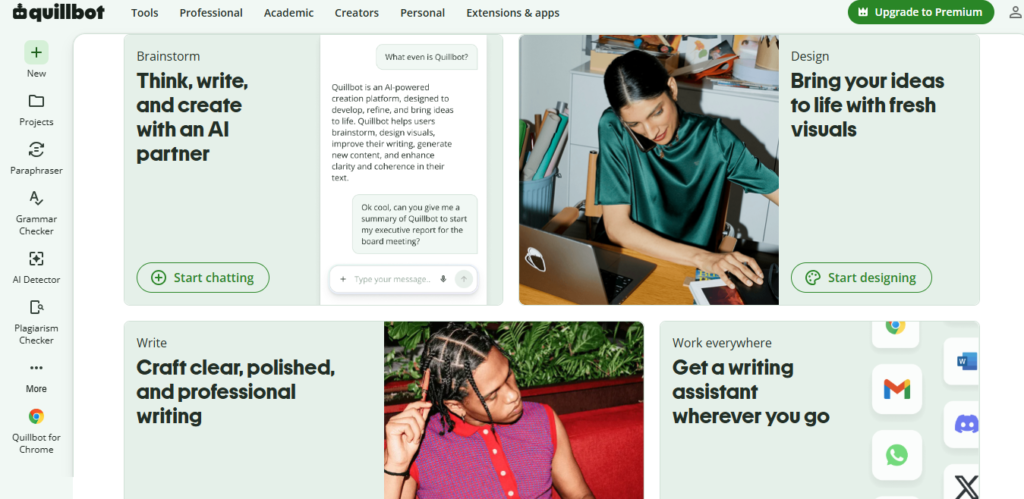
Best for: Paraphrasing and rewriting content
Quillbot is a fantastic tool for rewriting sentences and paragraphs. If you have content that sounds robotic, repetitive, or unclear, Quillbot can instantly transform it into something that reads naturally.
It is especially useful for writers who use AI tools — you can write a draft with Claude or ChatGPT and then run it through QuillBot to make it sound more like a real human wrote it.
Key Features
- Paraphrases text in multiple styles (standard, formal, creative)
- Grammar checker built in
- Summarizer tool for long articles
- Word flipper for synonym suggestions
Pros
- The free plan is very generous (up to 125 words at a time)
- Makes AI-written content sound more natural
- Very easy to use — just paste and click
- Works well for non-English speakers, improving their writing
Cons
- The free plan has a word limit per session
- Unlimited paraphrasing requires a paid plan
Free Plan: Yes ✅ | Website: quillbot.com
5. Google Docs with Smart Compose
Best for: Writing and collaborating in the cloud for free
Google Docs is not just a word processor—it is now an AI-powered writing tool. Its Smart Compose feature suggests words and phrases as you type, helping you write faster and with fewer mistakes.
In 2026, Google added Gemini AI directly inside Google Docs, allowing you to generate content, rewrite paragraphs, and summarize documents—all for free for a few days with a Google account.
Key Features
- AI writing suggestions as you type
- Gemini AI integration for content generation
- Real-time collaboration with others
- Works in any browser — no download needed
Pros
- Completely free with a Google account
- Auto-saves everything — never lose your work
- Easy to share and collaborate with others
- Accessible from any device
Cons
- Needs an internet connection to work
- Gemini AI features are still improving
Free Plan: Yes ✅ | Website: docs.google.com
6. Hemingway Editor
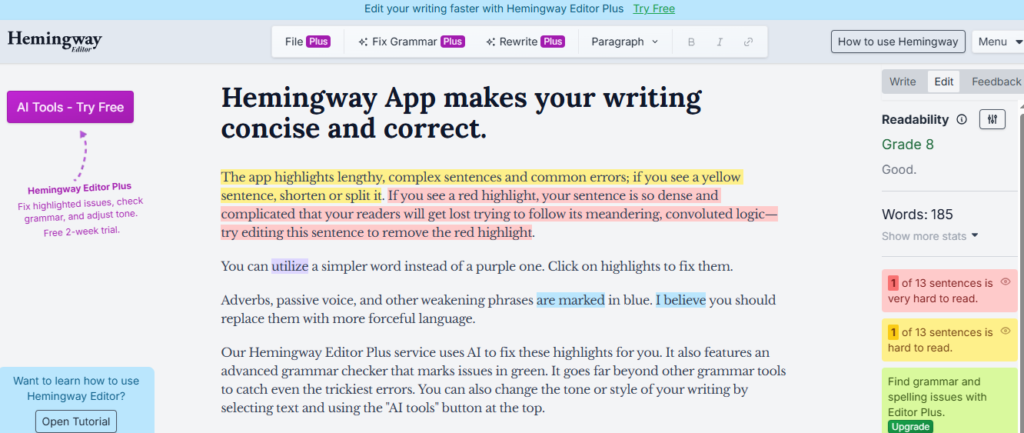
Best for: Making your writing clear and easy to read
Hemingway Editor is named after the famous author Ernest Hemingway, who was known for writing short, powerful sentences. This tool helps you do the same.
It highlights sentences that are too long, words that are too complicated, and phrases that are hard to understand. The goal is simple: make your writing easy for anyone to read.
Key Features
- Highlights complex sentences in red
- Flags passive voice (which weakens writing)
- Shows the reading grade level of your content
- Gives you a readability score
Pros
- 100% free to use in a browser
- Makes writing simpler and more powerful
- Perfect for blog posts and online content
- Very easy to use — just paste your text
Cons
- No AI generation — only editing and analysis
- Does not work as a browser extension (copy-paste only)
Free Plan: Yes ✅ | Website: hemingwayapp.com
7. Notion AI (Free Tier)
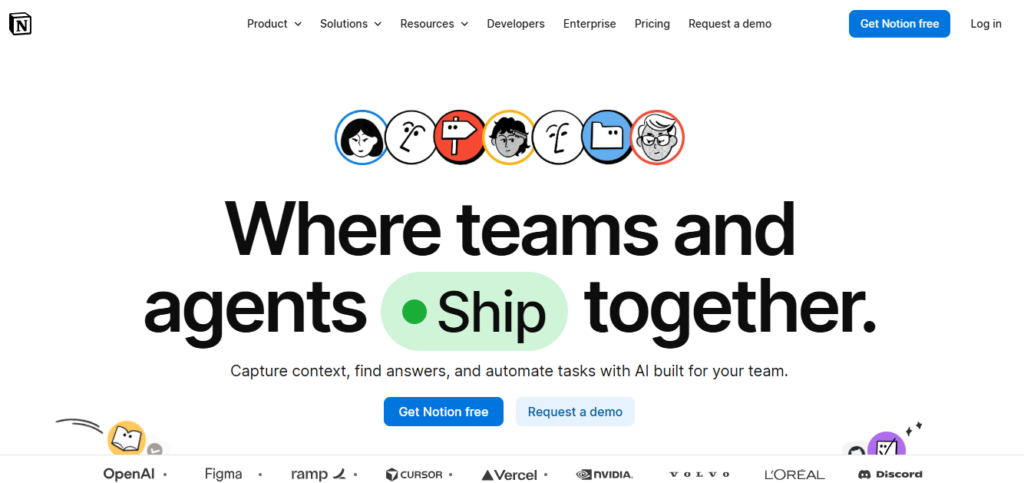
Best for: Organizing writing projects and generating content in one place
Notion is a popular productivity app, and in 2026, its AI features have become very impressive. You can use Notion to plan your blog, organize your ideas, and use AI to write content—all in one place.
The free tier gives you limited AI credits every month, which is enough for casual writers and beginners building their first blog.
Key Features
- An AI writing assistant built inside your notes
- Helps with brainstorming, drafting, and summarizing
- Organize all your blog posts, ideas, and drafts in one place
- Templates for blog posts, articles, and more
Pros
- All-in-one tool — writing and organizing in one place
- Clean and distraction-free interface
- Great for planning content calendars
- AI credits reset every month on the free plan
Cons
- Free plan limits AI usage each month
- Might be overwhelming for total beginners
Free Plan: Yes ✅ | Website: notion.com
Quick Comparison Table
| Tool | Best For | Free Plan |
| Claude | Writing full blog posts | ✅ Yes |
| ChatGPT | Fast drafts and ideas | ✅ Yes |
| Grammarly | Grammar and spelling fixes | ✅ Yes |
| QuillBot | Rewriting and paraphrasing | ✅ Yes |
| Google Docs | Writing and collaboration | ✅ Yes [Not Valid Some Location] |
| Hemingway Editor | Simplifying your writing | ✅ Yes |
| Notion AI | Organizing and writing | ✅ Yes |
Conclusion
You do not need to be a professional writer to create great content in 2026. These 7 free AI tools will do most of the heavy lifting for you.
Here is the simple workflow we recommend for beginners:
- Use Claude or ChatGPT to write your first draft
- Use QuillBot to make it sound more natural
- Use Grammarly to fix any grammar mistakes
- Use Hemingway Editor to simplify long sentences
- Publish it on your blog and share it on social media
Follow this process, and you can publish a professional blog post in under one hour — even if English is not your first language.
Start with one tool today. The best time to begin writing is right now.
Did you find this helpful? Share this post with a fellow creator who wants to start writing with AI!