
A faceless YouTube channel uses AI voiceovers, stock or AI-generated visuals, and on-screen text instead of an on-camera host. Instead of a personality carrying the video, the script, voice, and visuals have to do all the work — which is exactly why the tools you choose matter more here than on a normal channel.
This guide breaks the workflow into five stages — script, voice, visuals, editing, and thumbnails — recommends one primary pick per stage plus a budget alternative, and adds the two things most “best AI tools” roundups.
Quick answer: the stack we recommend
| Stage | Best pick | Budget/alt pick | Starting price* |
|---|---|---|---|
| Script | ChatGPT or Claude | Script tools built into InVideo AI | Free–$20/mo |
| Voiceover | ElevenLabs | Murf, Play.ht | Free–$6–11/mo |
| Video assembly | InVideo AI | Pictory | Free–$17–29/mo |
| AI presenter avatar (optional) | HeyGen | Synthesia | ~$29/mo |
| Editing & captions | CapCut | InVideo’s built-in editor | Free |
| Thumbnails | Canva | — | Free–low cost |
Pricing on AI tools changes often — every price in this article is a starting-tier estimate. Confirm current pricing on the vendor’s own site before you subscribe.
What actually goes into a faceless video
Every faceless video moves through the same five stages, whether you do them one tool at a time or use a platform that bundles several:
- Script — the idea, structure, and words the narrator will say
- Voiceover — turning the script into audio
- Visuals — stock footage, AI-generated B-roll, or an AI avatar
- Editing — cutting, pacing, captions, transitions
- Thumbnail & metadata — the click-decision layer
Below, each stage gets its own section, with what the tool actually does, who it fits, and where the cost adds up.
Best AI tool for scripting: general-purpose AI writers
For most faceless formats — explainers, list videos, storytelling, news recaps — a general-purpose AI assistant like ChatGPT or Claude handles first-draft scripts well, especially once you feed it a hook formula, a target length, and a few example scripts in your niche’s tone. Several all-in-one platforms (InVideo AI among them) also include a built-in script generator as part of their video pipeline, which is convenient but generally produces more generic, template-driven copy than a purpose-prompted conversation with a standalone AI writer.
Our take: treat AI-generated scripts as a first draft, not a final one. A script that reads naturally out loud — read it aloud yourself before recording — consistently outperforms one that merely reads well on the page.
Best AI voiceover tool: ElevenLabs
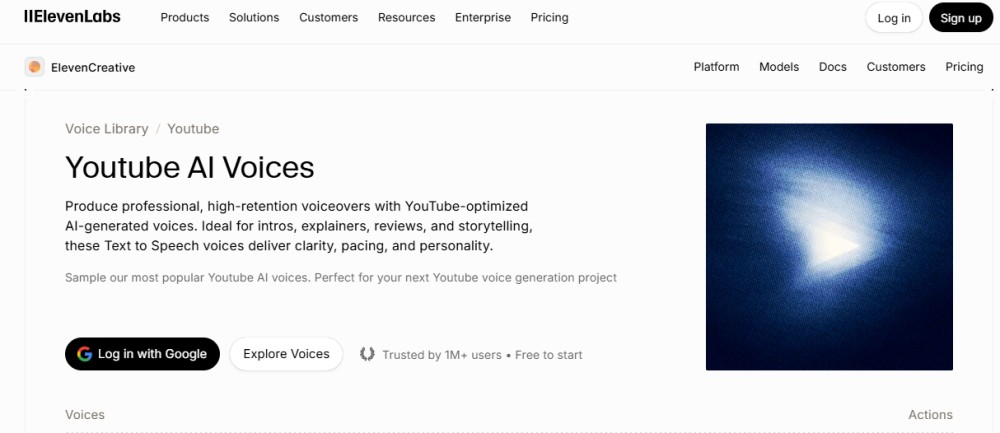
What it does: ElevenLabs converts text into natural-sounding narration, including instant and professional voice cloning, dubbing into dozens of languages, and a marketplace of pre-built voices. It’s become the default reference point competitors get measured against in this category.
Pricing: Free tier available (roughly 10 minutes of speech/month). Paid tiers commonly start in the $11/month for individual creators with commercial usage rights and voice cloning, scaling up to team/agency tiers in the hundreds of dollars. Pricing pages disagree with each other by a few dollars on every tier as of mid-2026 — confirm current numbers directly on elevenlabs.io/pricing before subscribing.
Best for: narration-driven formats (true crime, history, explainer, motivational) where voice quality alone can make or break retention.
Budget alternatives: Murf and Play.ht are commonly cited as lower-cost narration options with a smaller voice library and slightly less natural delivery on longer scripts.
Best AI tools for video assembly and avatars
This is the category with the most overlap and the most confusing marketing, so here’s how the main players actually differ:
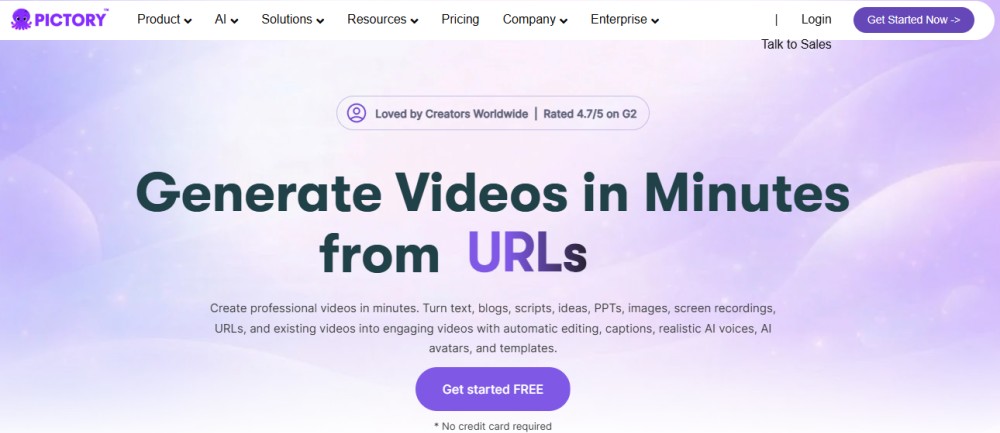
InVideo AI — best for creators who want a finished, publish-ready video from a single prompt. Its standout 2026 feature is bundling access to Seedance 2.5 and Google’s Veo 3.1 generative video models inside its own subscription — both of which cost far more as standalone products — alongside stock footage, voiceover, captions, and music in one pipeline. Paid plans commonly start in the high-teens to high-$20 per month, with a limited watermarked free tier. Reviewers consistently note the AI-written scripts inside the platform are formulaic and some editing commands need a retry — treat it as a fast drafting engine, not a finished-product machine.
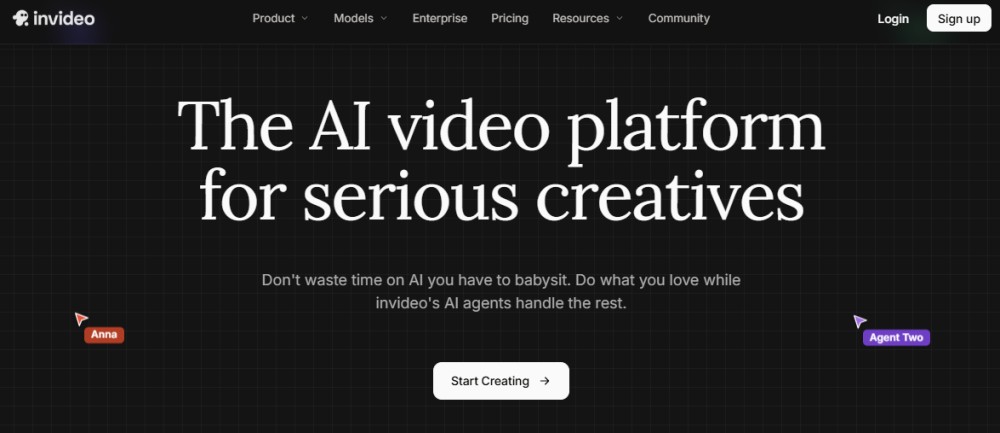
Pictory — best for turning an existing blog post, URL, or long recording into a video via stock-footage matching, rather than generating original visuals. Genuinely useful transcript-based editing (delete text to delete video). Pricing across vendor and third-party pages is inconsistent — figures reported range roughly from the $29 to $59/month depending on the source and billing cycle — so treat any number you see (including this one) as a starting estimate and confirm on pictory.ai.
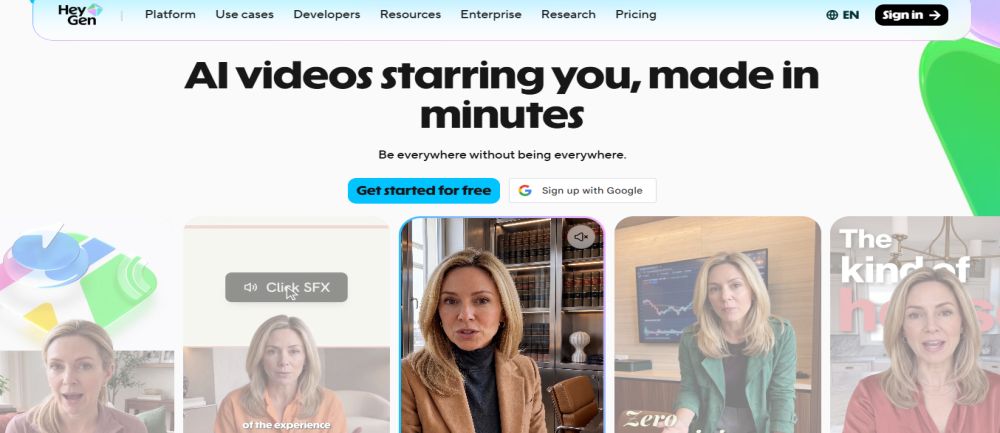
HeyGen — best if you want an AI presenter avatar rather than pure voiceover-over-footage. Known for realistic avatar movement and fast custom-avatar creation. Creator-tier pricing commonly starts around $29/month, but its credit system for premium avatar features can add real overage costs for heavy users.
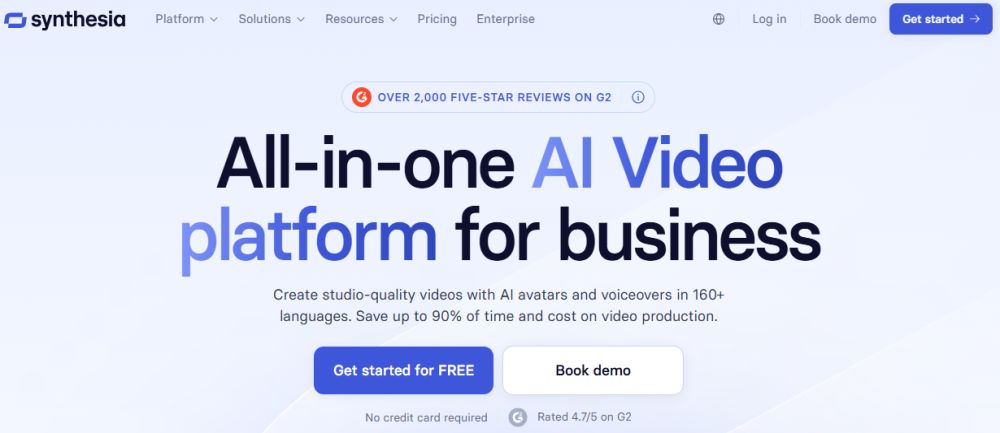
Synthesia — the enterprise-leaning alternative to HeyGen, with a larger stock-avatar library, broader language support, and more predictable flat-rate pricing (also commonly starting around $18/month). Generally the safer pick if cost predictability matters more to you than avatar expressiveness.
Which one should you start with? If your format doesn’t need a visible presenter (stock footage + narration), skip avatars entirely and start with InVideo AI or Pictory. Only add HeyGen or Synthesia if your format specifically benefits from a talking presenter.
Best AI editing and caption tool: CapCut
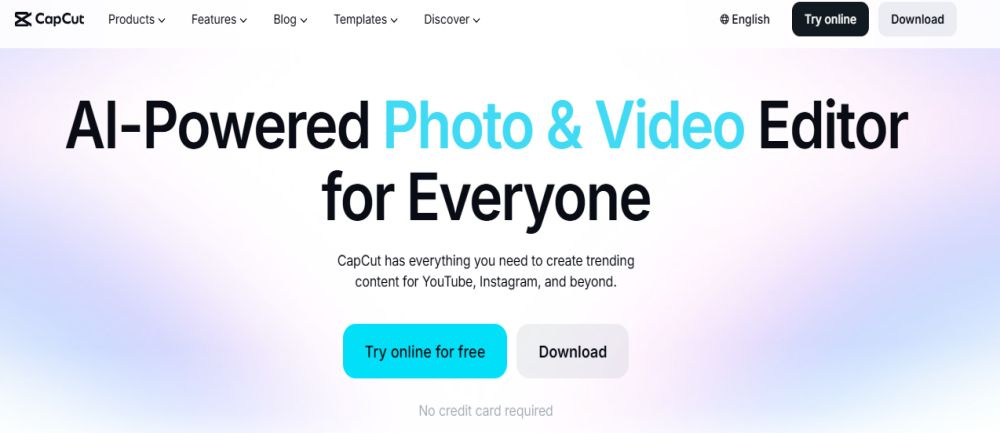
CapCut remains one of the most widely used free tools for trimming clips, adding animated captions, and applying quick transitions, with both desktop and mobile apps. For creators who assemble their video in InVideo AI or Pictory, CapCut is most useful as a fast final pass for captions and pacing rather than a primary editor.
Best AI thumbnail tool: Canva
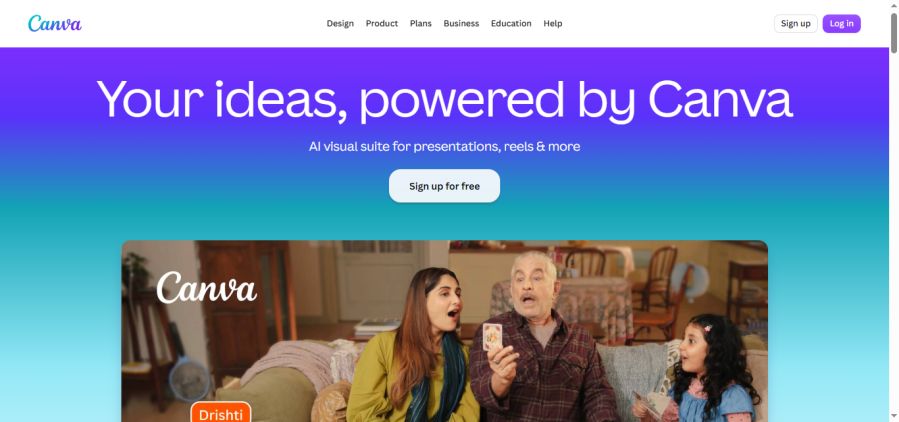
Canva bundles AI-assisted design tools — including basic AI image generation — into a platform many creators already use for channel art and graphics, making it a practical free-to-low-cost option for thumbnails specifically, even if you’re using a dedicated video tool for everything else.
Common mistakes that get faceless channels flagged or demonetized
- Recycled or overused stock footage — YouTube’s ranking systems increasingly favor original visuals; a channel built entirely on the same stock clips as ten competitors struggles to stand out or retain viewers.
- Robotic-sounding narration — an unedited default TTS voice with no pacing or emotion is a fast way to lose viewers in the first 15 seconds, regardless of how good the script is.
- Skipping the disclosure toggle on realistic AI content — see above; this is an easy, free fix that avoids a forced label or strike.
- Ignoring stock-asset licensing terms — free trial or downgraded-plan exports sometimes carry watermark or commercial-use restrictions that get missed until a copyright claim shows up.
- Publishing without a human review pass — AI-assembled facts and figures (especially in finance, health, or legal content) need a fact-check before publishing; errors in high-CPM niches are also the highest-scrutiny niches.
FAQ
What is a faceless YouTube channel?
A faceless YouTube channel is a channel that publishes videos without the creator appearing on camera, typically using AI or human voiceover narration over stock footage, animations, or an AI avatar instead of a visible host.
Do I need to disclose AI-generated content on YouTube?
Only when the content is realistic enough that a viewer could mistake it for a real person, place, or event — for example, a realistic AI avatar or cloned voice. AI-assisted scripts, titles, and captions don’t require disclosure.
What’s the cheapest way to start a faceless YouTube channel with AI?
A free-tier AI writer, ElevenLabs’ free voice tier, and CapCut’s free editor can produce a complete video at no cost, with watermark and length limitations on the free tiers.
Which AI voice generator sounds the most natural for YouTube narration?
ElevenLabs is the most commonly cited reference point for natural-sounding AI narration in creator reviews, though results vary by voice, language, and script pacing — testing 2–3 voices on your actual script before committing is worth the extra ten minutes.
Can faceless YouTube channels still get monetized in 2026-27?
Yes. YouTube’s monetization policies focus on originality and content value rather than production method, and AI-assisted content is eligible for the YouTube Partner Program under the same subscriber and watch-hour requirements as any other channel.
Which AI tool should I start with first?
Start with your script and voiceover — they carry more of a faceless video’s retention than visuals do. Add a video-assembly tool once you have a script-and-voice workflow you’re happy with, rather than starting with the most expensive avatar tool first.
Affiliate disclosure: This page contains affiliate links. If you subscribe to AI tools through a link on this page, we may earn a commission at no extra cost to you. This has no bearing on the analysis above — see our full editorial policy.